
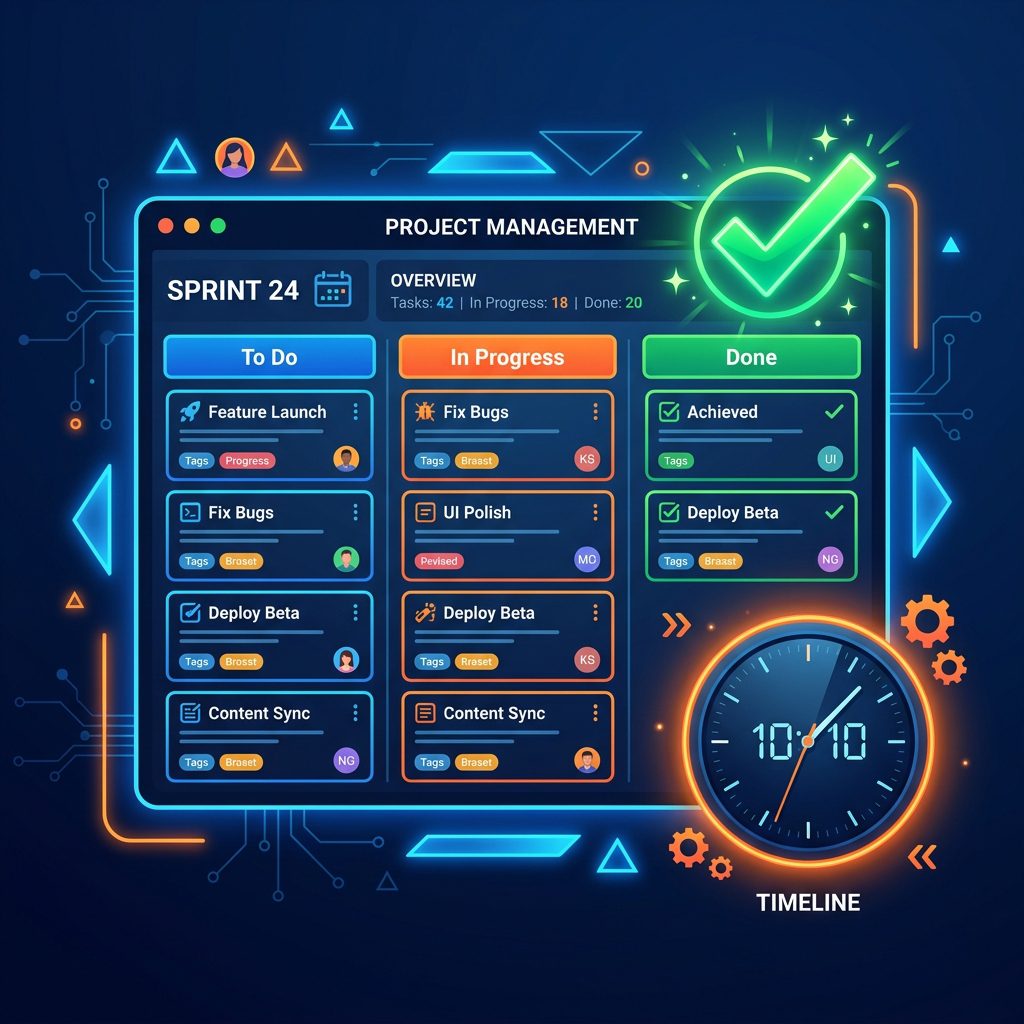

Introduction to Modern Project Management
In 2024, the definition of a “workplace” has irrevocably changed. With the vast majority of technology companies embracing remote or hybrid work models, the days of managing projects via physical whiteboards and endless email chains are officially over. The ability to coordinate distributed teams across multiple time zones is now the defining factor of a successful enterprise. This shift has elevated Project Management (PM) software from a “nice-to-have” productivity tool to the central nervous system of the modern organization.
The SaaS landscape for project management is highly saturated, with hundreds of vendors claiming to offer the perfect solution. However, selecting the right software is not a one-size-fits-all endeavor. A software development agency utilizing agile scrum methodologies requires a vastly different toolset than a creative marketing agency managing visual assets, or a massive enterprise trying to align the strategic goals of 5,000 employees.
In this definitive guide, we will analyze the top 7 project management software solutions dominating the market in 2024. We will break down their core philosophies, strongest features, pricing structures, and the specific types of teams they are best suited for. If you want to eliminate siloed communication, automate repetitive workflows, and deliver projects on time and under budget, read on.
1. Jira (by Atlassian): The Agile Developer’s Choice
Jira is the undisputed heavyweight champion of the software development world. Built specifically for engineering teams, Jira’s entire architecture revolves around agile methodologies, sprint planning, and bug tracking.
Core Strengths
- Deep Agile Integration: Jira provides out-of-the-box templates for Scrum and Kanban boards. It allows product owners to easily manage backlogs, estimate story points, and track sprint velocity with detailed burndown charts.
- Unparalleled Customization: Jira’s workflow engine is incredibly powerful. You can create highly complex, custom rules for how issues transition from “To Do” to “In Progress” to “Done,” ensuring strict adherence to your company’s specific QA processes.
- The Atlassian Ecosystem: Jira integrates seamlessly with Confluence (for documentation) and Bitbucket (for code repositories), creating a unified environment for developers.
Weaknesses
Jira is notoriously complex and intimidating for non-technical users. Marketing or HR teams forced to use Jira often find its interface clunky and overly rigid.
Best For:
Software development teams, DevOps, and IT support teams who require strict agile frameworks and deep code-level integrations.
2. Asana: The Versatile Workhorse
Asana is arguably the most well-rounded project management tool on the market. It strikes a brilliant balance between powerful features and a highly intuitive, visually appealing user interface.
Core Strengths
- Multiple Views: Asana allows teams to view the exact same data in multiple formats: Lists, Kanban Boards, Timelines (Gantt charts), and Calendars. This flexibility accommodates different working styles within the same organization.
- Goals and Portfolios: Asana excels at linking daily tasks to high-level company objectives. The “Portfolios” feature allows executives to get a bird’s-eye view of the health and progress of multiple massive projects simultaneously.
- Workflow Automation: Asana’s “Rules” engine allows users to automate routine tasks (e.g., “If task status changes to ‘Awaiting Approval’, assign to the Creative Director and set a due date for 2 days from now”).
Weaknesses
Asana’s pricing scales up very quickly. While the free tier is generous, the advanced automation and reporting features are locked behind the expensive “Business” tier.
Best For:
Marketing teams, operations departments, and cross-functional teams that need a flexible, visually intuitive platform to track both high-level goals and granular tasks.
3. Monday.com: The Visual OS
Monday.com burst onto the scene with aggressive marketing and a unique proposition: it doesn’t just manage projects; it acts as a highly customizable Work Operating System (Work OS). Its core building block is the highly visual “Board.”
Core Strengths
- Extreme Visual Customization: Monday.com is built on customizable columns. You can add columns for status, numbers, text, timelines, ratings, and formulas. The color-coded status indicators make it incredibly easy to gauge the health of a project at a glance.
- Rapid Deployment: The platform offers hundreds of highly specialized templates for everything from real estate management to software bugs to HR onboarding. You can set up a complex workflow in minutes.
- Dashboards: Monday’s dashboards allow you to pull data from multiple boards into a single, highly visual report filled with pie charts, battery widgets, and workload indicators.
Weaknesses
While great for high-level tracking, Monday.com can struggle with deeply nested, highly complex dependencies that a tool like Microsoft Project or Jira would handle easily. The pricing model, which charges “per seat” in specific increments, can also be frustrating.
Best For:
Creative agencies, HR teams, and organizations that prioritize visual reporting and rapid, customizable setups.
4. Notion: The Ultimate Sandbox
Notion is technically a note-taking and knowledge-base app, but its database capabilities are so profound that it has become the project management tool of choice for thousands of startups and creators.
Core Strengths
- The All-in-One Workspace: Notion’s philosophy is to replace Google Docs, Evernote, Trello, and Jira with a single app. You can write a design brief, embed a Kanban board directly below it, and link it to a master company wiki.
- Infinite Flexibility: Notion provides you with a blank canvas and powerful database blocks. You build exactly what you need, nothing more, nothing less.
- Notion AI: Recently introduced, Notion’s native AI can summarize meeting notes, generate action items, and write project drafts directly within the document you are working on.
Weaknesses
The “blank canvas” is a double-edged sword. Without strict internal discipline and a dedicated Notion architect, a company’s Notion workspace can quickly turn into a chaotic, unorganized mess. It also lacks advanced native reporting features.
Best For:
Early-stage startups, solo entrepreneurs, and content creators who want a unified workspace for both documentation and task tracking.
5. Trello: The Master of Kanban
Now owned by Atlassian, Trello is the pioneer of the digital Kanban board. It remains the most beautifully simple project management tool on the market.
Core Strengths
- Zero Learning Curve: Anyone can understand Trello in 30 seconds. You create a board, add lists (e.g., To Do, Doing, Done), and move cards between them. It mimics the physical experience of moving sticky notes on a whiteboard.
- Power-Ups: Trello keeps its core interface incredibly simple but allows users to add powerful integrations (like calendar views, custom fields, and Slack integration) via “Power-Ups.”
- Butler Automation: Trello’s built-in AI, Butler, makes it remarkably easy to set up rules and automate repetitive board actions.
Weaknesses
Trello is highly linear. It struggles significantly when trying to manage massive projects with hundreds of cross-functional dependencies. It is not suitable for enterprise-level portfolio management.
Best For:
Small teams, freelancers, and straightforward workflows (like a content publishing pipeline or an event planning checklist).
6. ClickUp: The Feature Heavyweight
ClickUp’s aggressive marketing slogan is “One app to replace them all,” and they genuinely attempt to deliver on that promise. It is arguably the most feature-rich project management tool available today.
Core Strengths
- Unmatched Feature Density: ClickUp offers Docs, Whiteboards, Chat, Goals, Mind Maps, time tracking, and over 15 different ways to view your data. If you can think of a feature, ClickUp probably has it.
- Customizable Hierarchy: ClickUp allows you to organize work in a strict hierarchy: Workspace > Space > Folder > List > Task > Subtask. This makes it highly scalable for large organizations.
- Aggressive Pricing: ClickUp offers an incredibly generous free tier, and its paid plans are generally much cheaper per user than competitors like Asana or Monday.com, despite offering more features.
Weaknesses
The sheer volume of features makes ClickUp’s interface incredibly overwhelming and cluttered for new users. The learning curve is steep, and users frequently complain about slow load times and UI bugs due to the heavy infrastructure.
Best For:
Cost-conscious startups and complex organizations that need a single tool to handle documentation, mind-mapping, and highly detailed task tracking, and are willing to endure a steep learning curve.
7. Smartsheet: The Enterprise Spreadsheet
Smartsheet looks and feels like Microsoft Excel, but it is supercharged with project management, collaboration, and automation capabilities.
Core Strengths
- Familiar Interface: Because it operates primarily on a grid (spreadsheet) view, it has a very low barrier to entry for enterprise users who have spent their entire careers working in Excel.
- Advanced Formulas and Reporting: It handles complex mathematical formulas, cross-sheet references, and massive datasets better than any other visual project management tool.
- Enterprise Security and Scale: Smartsheet is deeply entrenched in Fortune 500 companies because of its rigorous compliance standards and ability to handle massive, multi-year construction or IT deployment projects.
Weaknesses
It lacks the modern, visually appealing UI of tools like Monday.com or Asana. It feels decidedly corporate and is not ideal for creative workflows or agile software development.
Best For:
Traditional enterprise organizations, construction management, financial planning, and teams transitioning directly away from legacy Excel workflows.
Conclusion
Choosing the right project management software in 2024 requires deep introspection into your team’s specific culture and methodologies. If your team lives and breathes code, Jira is the obvious choice. If you want a balance of power and visual appeal for marketing teams, Asana or Monday.com will serve you best. For the ultimate customizable workspace, Notion is unmatched. Evaluate your needs, take advantage of the free trials, and invest the time required to onboard your team properly.